
TOP 10 Best Web Cameras 2026
Welcome to our comprehensive buying guide on web cameras. In an age where digital communication is key, having a quality web camera can make all the difference. Whether it’s for remote work, virtual learning, or staying in touch with loved ones, a good webcam can help you communicate clearly and effectively. In this guide, we’ll delve into the top features to look for, provide some of our top recommendations, and help you make an informed decision on which webcam is best suited for your needs.


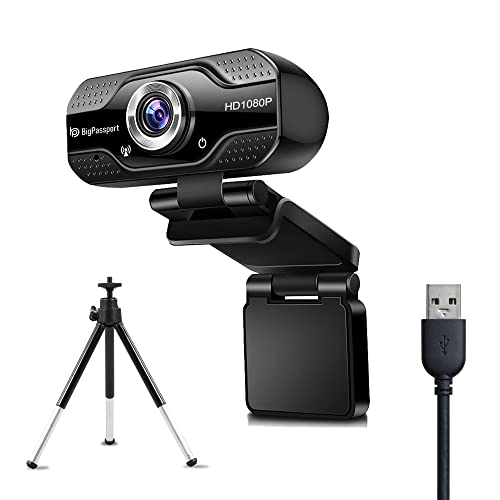

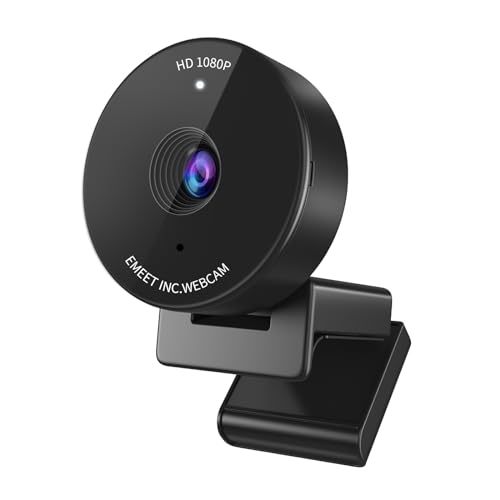
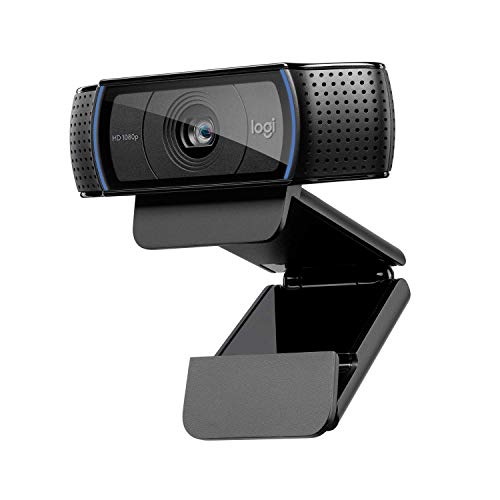
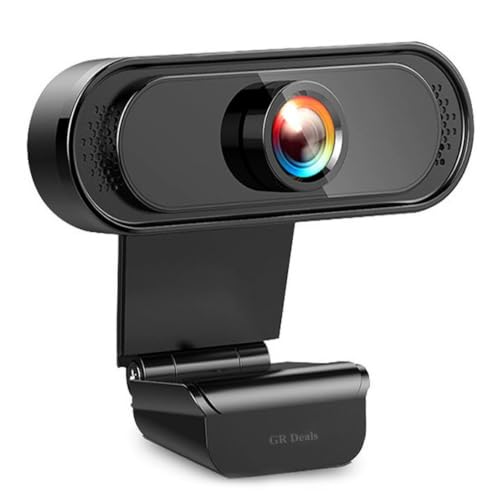


Web Camera Types
When choosing a webcam, it’s essential to consider the various types available, each offering unique features tailored to different needs. The most common web camera types include:
Selecting the right type depends on your specific needs, whether it’s for casual video calls or professional streaming and content creation.
When shopping for a web camera, there are several features and factors that you should consider:

- Resolution: This measures the number of pixels captured by the camera’s image sensor. The higher the resolution, the clearer and more detailed your images will be. Look for cameras that offer at least 720p resolution or higher.
- Frame Rate: This is the number of frames per second (FPS) captured by the camera. Look for cameras that offer a minimum frame rate of 30 FPS or higher, as this will ensure smooth and realistic-looking motion in your video recordings.
- Field of View: This is the angle at which the camera can capture images and videos. Some cameras offer wide field of view lenses that can cover a larger area, while others have a more narrow field of view. Consider the size of the space you’ll be recording in when choosing a camera with an appropriate field of view.
- Low-Light Performance: If you plan on using your web camera in low-light conditions, look for a model that offers good performance in this area. Some cameras have built-in night vision capabilities which can be helpful in dark or dimly lit environments.
- Connectivity: Make sure the camera you choose is compatible with your computer or device’s operating system and has the necessary ports to connect it. Most webcams have USB ports, but some models may come with other connection types such as HDMI or wireless capability.
How to Choose the Right Web Camera
Choosing the right web camera involves assessing your specific needs and understanding key features that impact performance and usability. Begin by defining the primary purpose for your new webcam, whether it’s professional video conferencing, streaming gameplay, or casual calls with family. Consider the environment where you’ll be using the webcam most frequently; for instance, if it’s typically low-light, prioritize models with excellent low-light performance. Evaluate the camera’s resolution and frame rate requirements based on your quality expectations, keeping in mind that higher specifications generally mean a clearer image and smoother video. Additionally, examine the field of view to ensure it matches your space and intended coverage. Don’t forget to ensure compatibility with your device’s hardware and software, checking connectivity options and driver support. By balancing each of these elements with your budget, you can find a web camera that best suits your needs and enhances your digital communication experiences.
These are just a few of the features and factors to consider when shopping for a web camera. With these tips, you should be able to find the right model that fits your needs and budget.